Client Intake and Account Management Tracking App
Overview
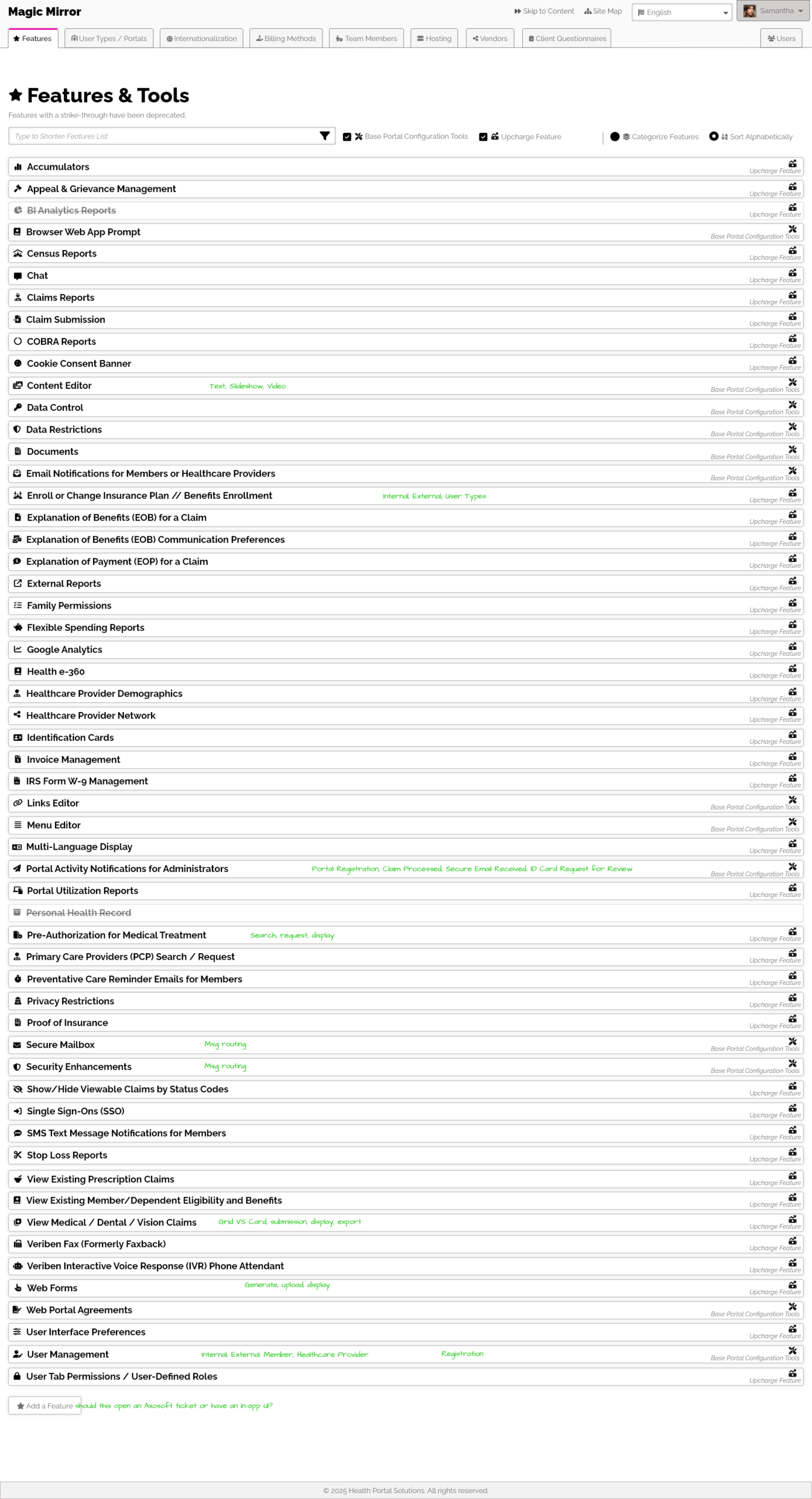
This was an internal project. The QA lead noted it difficult to know which client of ours should have which features. There would be times for instance, when the Mailbox feature was updated, but not all clients had the Mailbox feature enabled, and of the ones that did have it enabled, they may have customizations against out out-of-the-box offerings. There may be times where we might have a third party vendor have an update, but not all clients had this integration. She wanted an app to track all these nuisances, so that only the relevant clients could be tested, and no client that needed the testing would be missed.
We did explore other solutions, could our ticketing system allow for this? Could an excel sheet? Could off-the-shelf software solve this problem? None offered the filtering, data integreity, and customization detail that we needed. We needed a homegrown app.
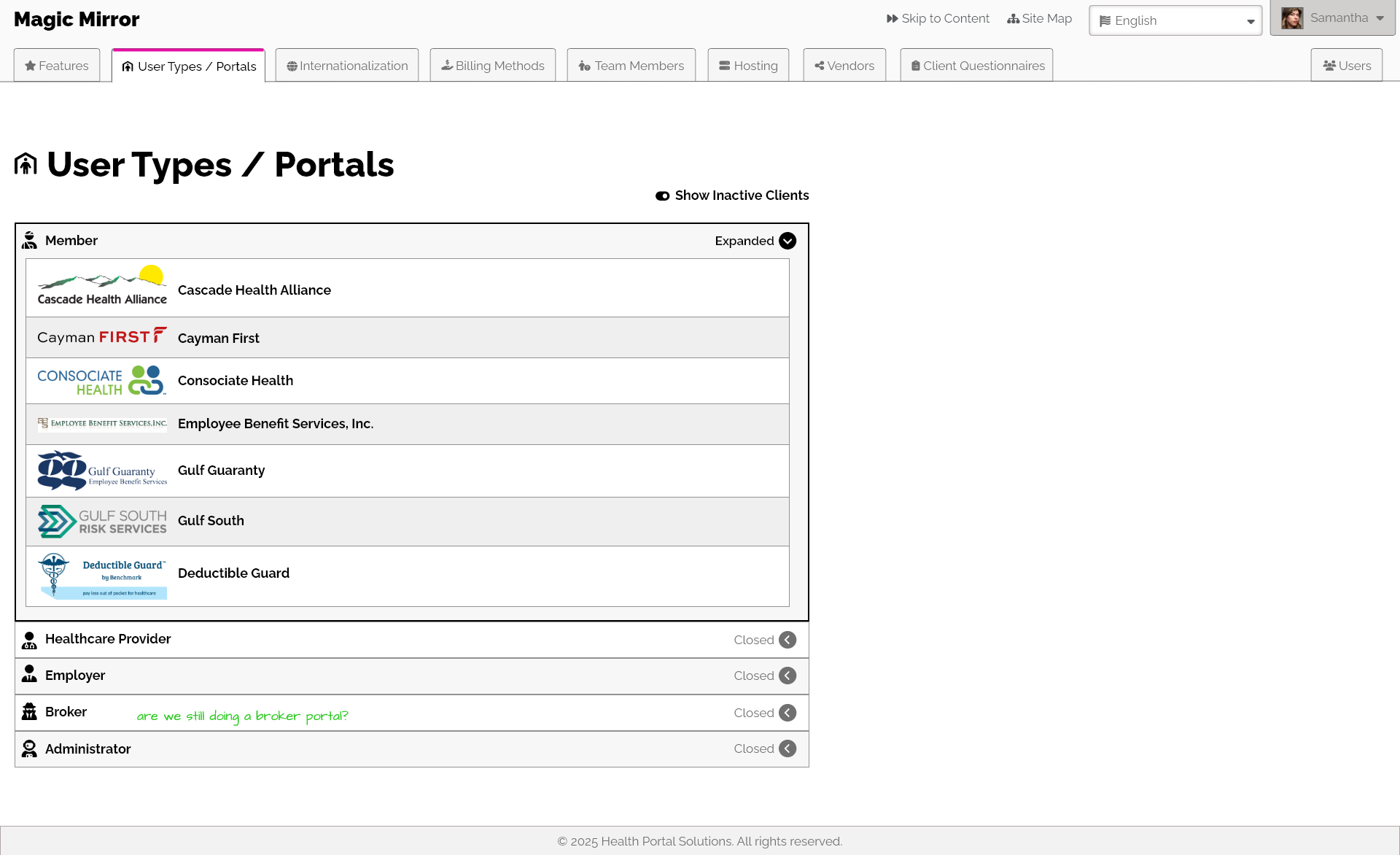
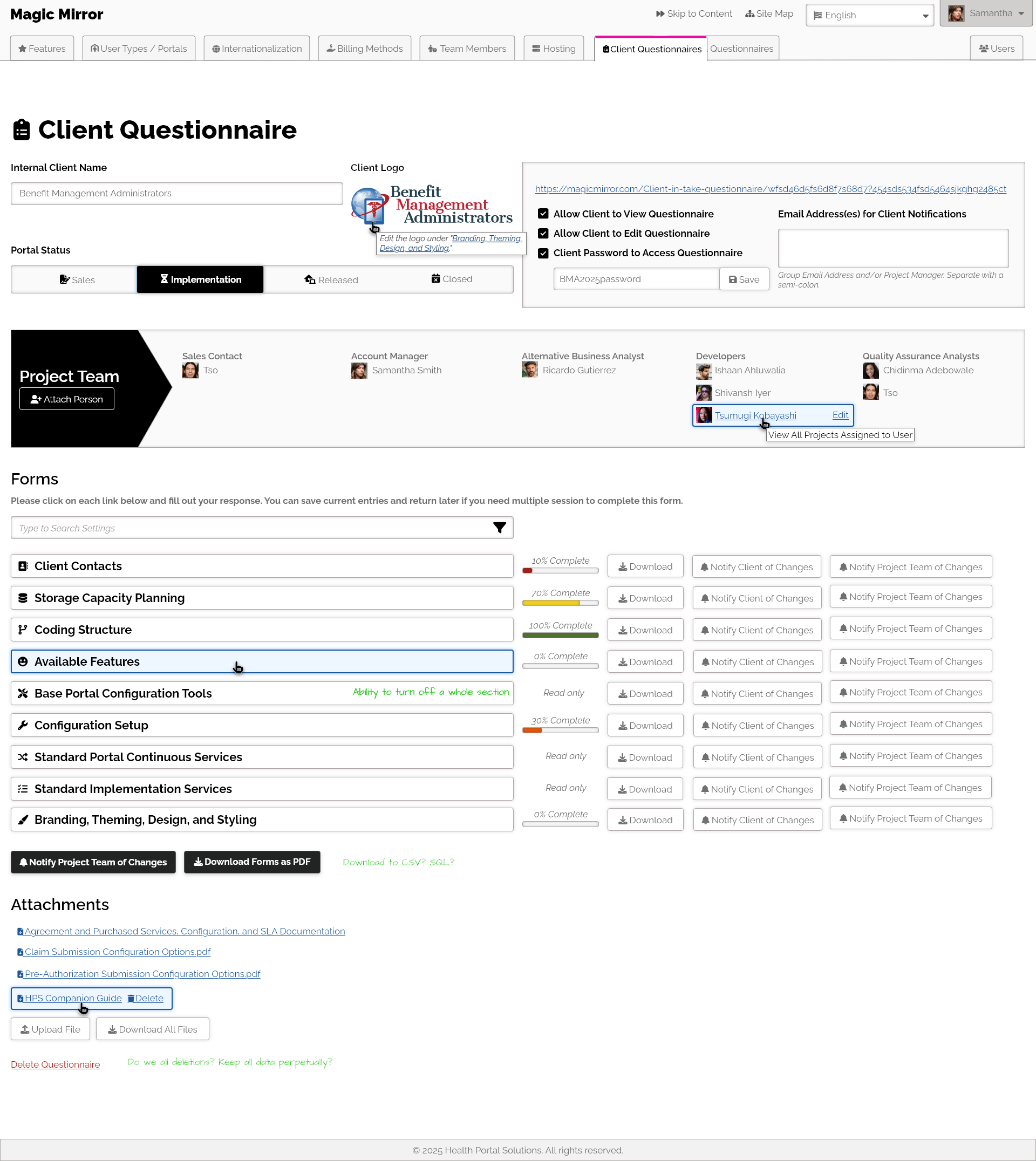
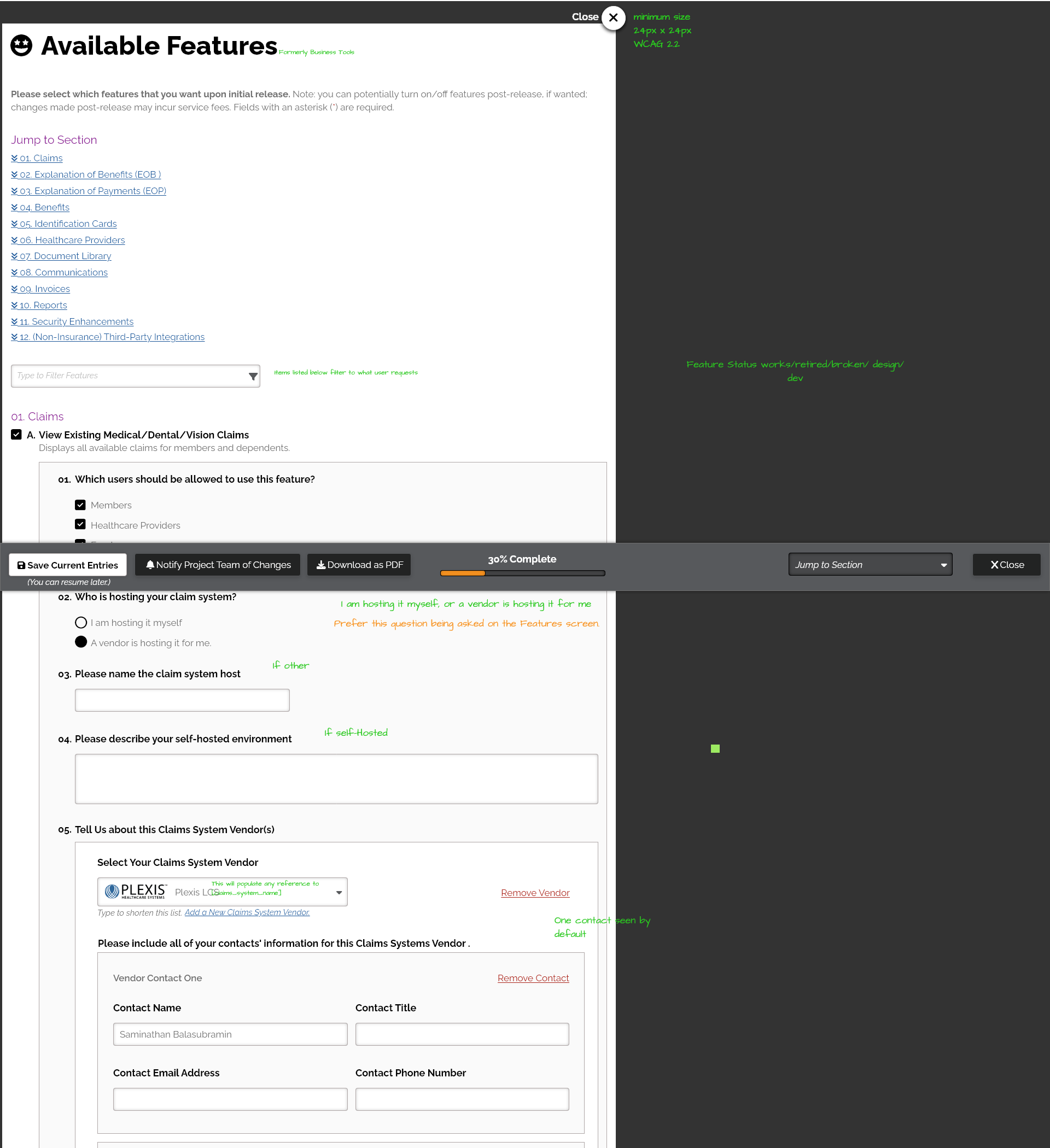
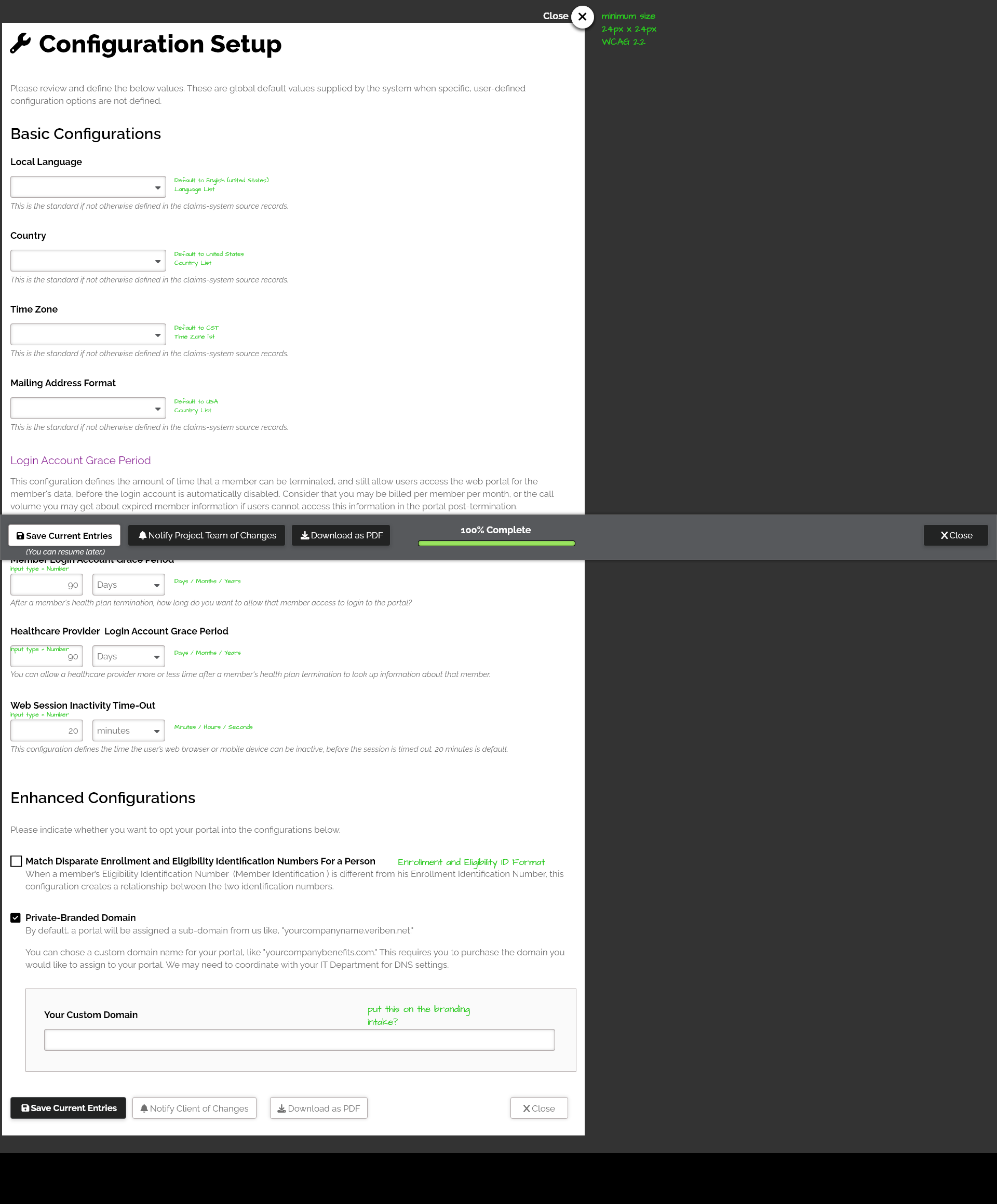
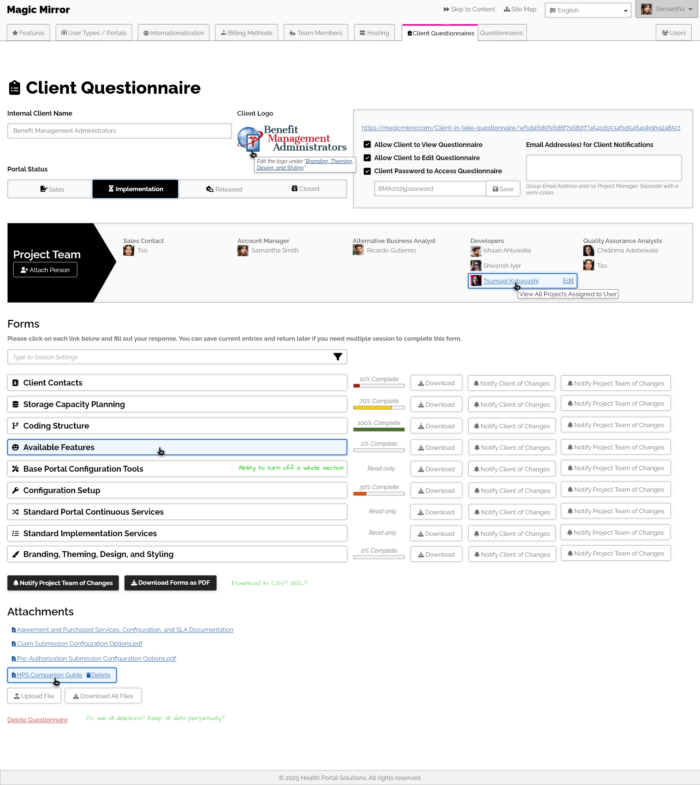
I went to work on this UI, and offered the information to be search by Feature to Client, and by Client to Feature. I thought that man, it would take a lot of work for the BAs to have to transcribe the Word document client intake forms into this for each new client. That Word document was also confusing and not so easy to fill out by the client, and manage as we had staff changes… so I decide to add those questionnaires directly into the app. The client would answer their onboarding questions directly into out app, and we would have the information ready to use by the account managers.
There was a lot of sorting of information and translating from technical jargon, to plain English. I kept the UI simple, as I wanted it to be seen as a tool, and not a chance for branding that we could possibly lose a lot of time on. I wanted the app to be functional and lean.
I also came of with the clever name for the app, based on the phrasing, “mirror, mirror on the wall, tell me ___,” since this would be an app behind a glass screen, telling us whatever we wanted to know.
Well, the app got stoned walled into a “backburner” ticket, even though the CEO had authorized it to be built. I did like the app name, so I re-used that on a different personal project.
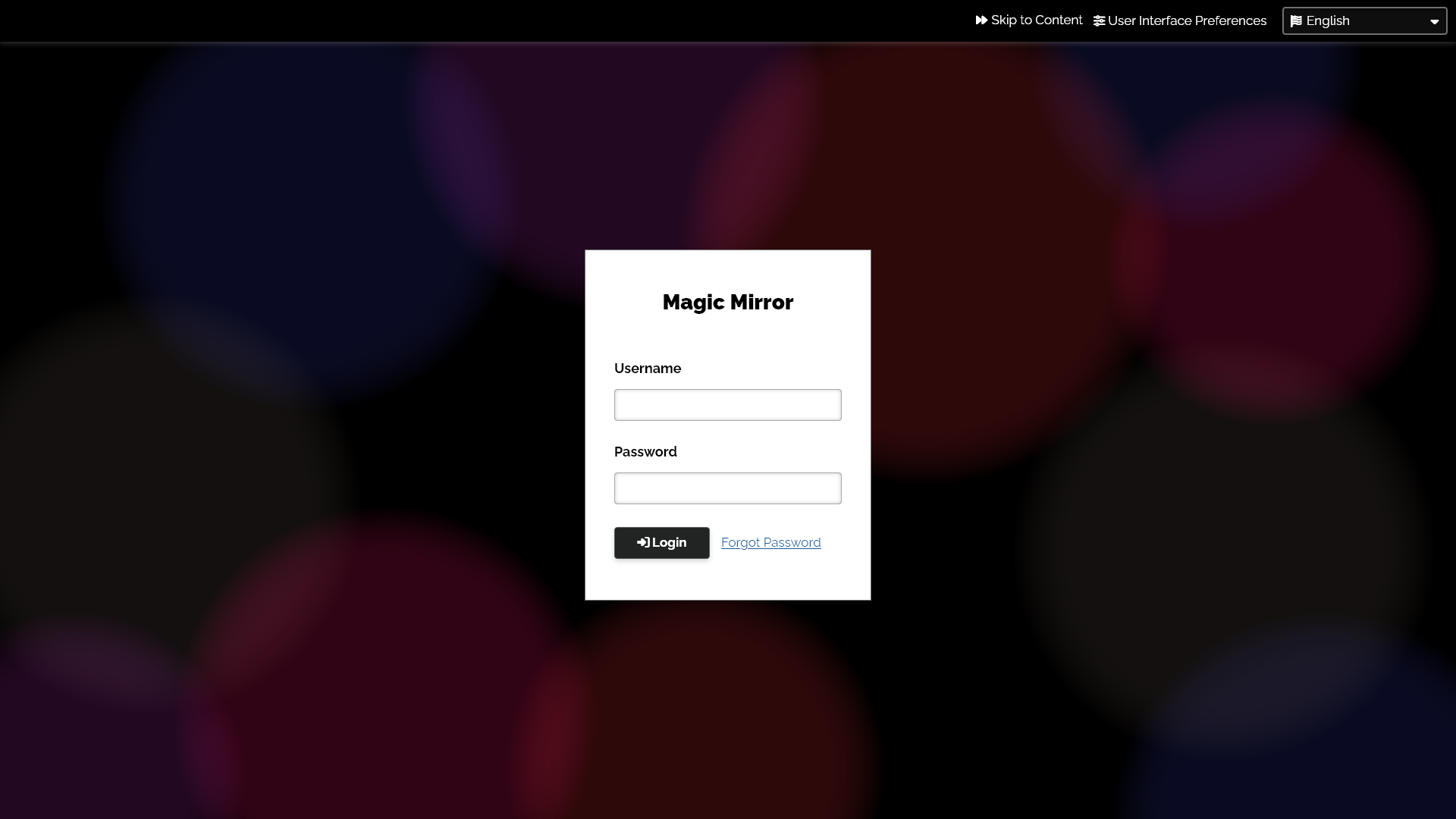
It’s probably best to look at the XD prototype, but for speed, some key screenshots are below.